How to Build WordPress Forms That Generate Better Leads
Design faster, clearer and more trustworthy WordPress forms, then connect every submission to a reliable follow-up workflow.
By Entitude Team · 13 min read
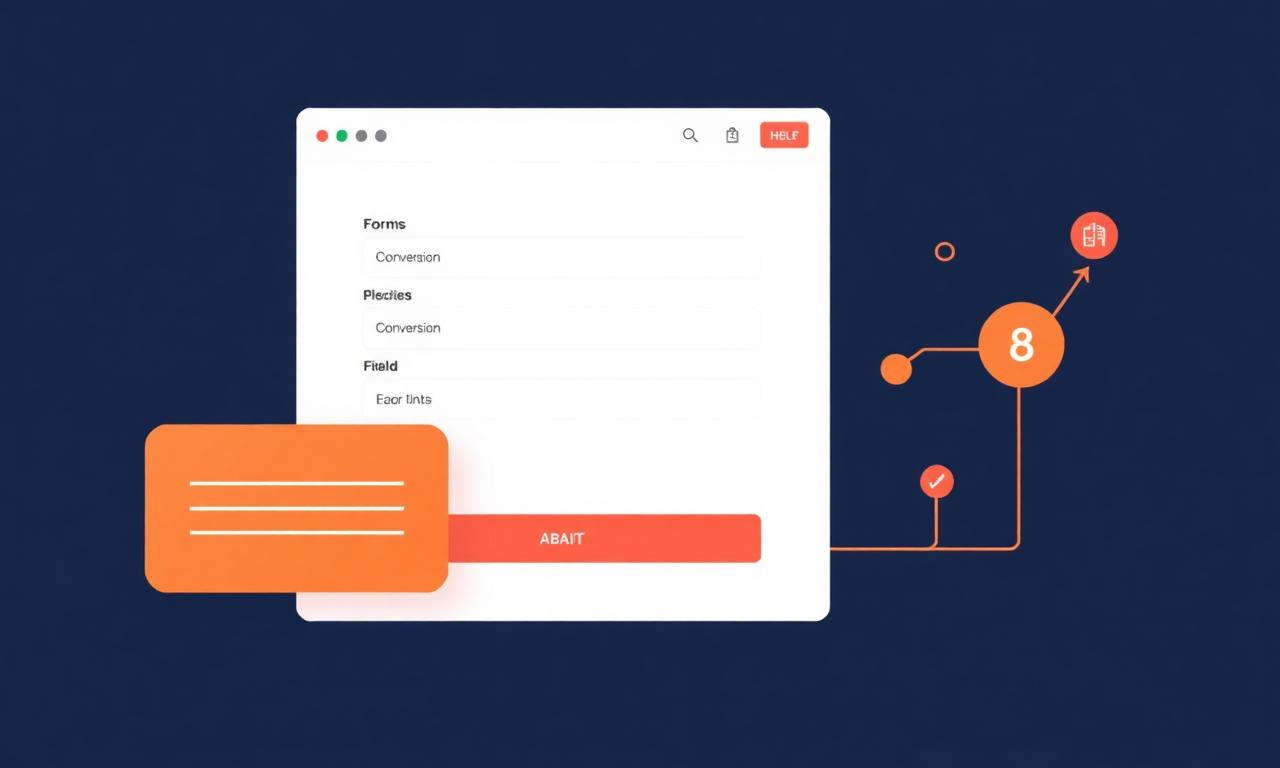
Give each form one clear job
Separate newsletter signup, support, sales qualification and project briefing. The headline should explain what happens after submission and how long a response takes. Avoid a universal contact form that makes visitors guess which information matters.
Reduce fields while preserving useful context
Start with email and the minimum routing information. Ask for phone, budget or company only when the team uses it. Progressive or conditional questions can reveal relevant fields without intimidating everyone. Mark optional fields honestly and explain unusual requests.
“Every field spends a little of the visitor's trust; ask only when the answer changes what happens next.”
Design for mobile completion
Use single-column layouts, appropriate input types, generous targets and visible labels. Do not depend on placeholder text as the only instruction. Keep validation messages specific and preserve values after an error. Test with keyboard navigation, zoom and screen readers.
Prevent spam without punishing people
Combine honeypots, timing checks, rate limits and risk-based challenges. Avoid forcing every visitor through difficult puzzles. Monitor false positives and provide another contact route. Sanitize and validate on the server even when browser validation is present.
“A form is not finished when it submits. It is finished when the lead reaches the right person with enough context to act.”
Connect submissions to accountable follow-up
Send a useful confirmation to the visitor and route the lead by topic, territory or service. Include source and consent data, but keep sensitive fields out of broad email lists. Define ownership, response targets and escalation when a lead sits untouched.
Optimize lead quality, not only completion rate
Track starts, field errors, completions, qualified leads and downstream revenue. A shorter form may raise submissions while overwhelming sales with poor fits. Test copy, sequence and qualification criteria, then judge success by business outcomes and visitor experience together.
Join the conversation
Have a question or a WordPress workflow worth sharing? Send it to our support team and we may include it in a future guide.
Contact the editorial team